

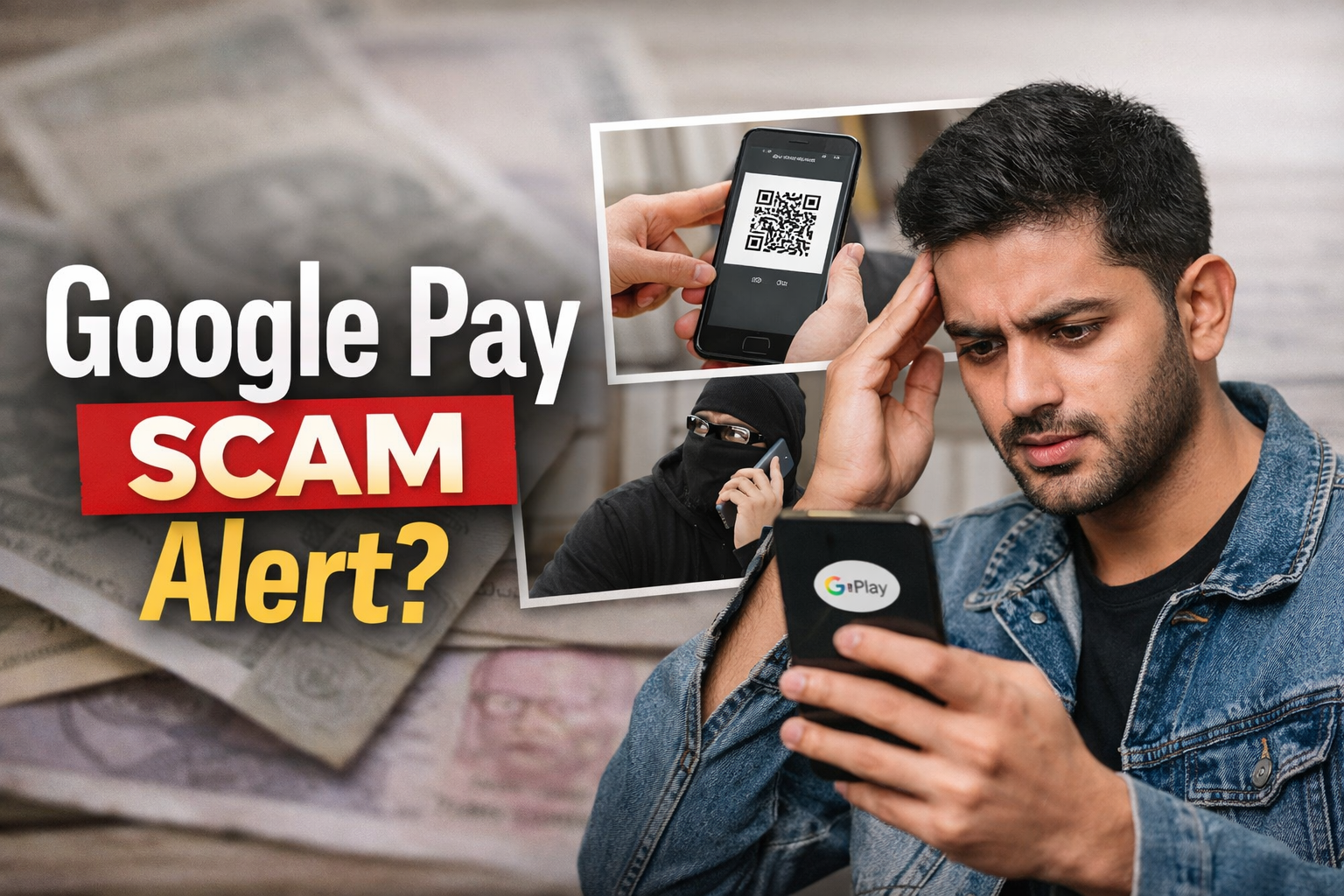
Let’s be real for a second.
If you’ve been on WhatsApp or Instagram lately, you’ve probably seen those scary messages like:
“Don’t click Google Pay’s Pocket Money button — your money will disappear instantly!”
And honestly… it sounds serious enough to make anyone panic.
But here’s the thing nobody is explaining properly:
👉 The feature itself is NOT the problem.
Yeah, you read that right.
—
## So What Even Is This “Pocket Money” Thing?
Google Pay introduced this feature to make it easier for families to manage spending — like parents giving controlled money access to kids.
That’s it.
No hacking system.
No secret trap.
No auto money deduction.
Just a normal feature that got blown way out of proportion.
—
## Then Why Is Everyone Calling It a Scam?
This is where things get messy.
The internet doesn’t always separate facts from fear.
What actually happened is:
Some scammers started using confusion around the feature to trick people.
And suddenly, the whole thing got labeled as “dangerous”.
Classic internet panic.
—
## The REAL Scams Happening Right Now
Let’s talk about what’s actually going wrong — because this part matters.
### 1. “Scan to Receive Money” Trick
Someone sends you a QR code and says:
“Scan this to get your pocket money.”
Sounds harmless, right?
But the moment you scan and approve — YOU send money instead.
Yeah… it’s that simple.
—
### 2. The UPI PIN Lie
This one is everywhere.
They say:
“Enter your PIN to receive money.”
Nope.
UPI PIN is ONLY used when you’re sending money.
If you’re entering it, you’re paying — not receiving.
—
### 3. Random Money Trap
Sometimes people randomly receive ₹100–₹500.
Then comes the call:
“Oops, sent by mistake, send it back to another number.”
This is where people mess up.
Because now you’re interacting with a scammer.
—
### 4. Fake Payment Screenshots
This one is old… but still works.
They show you a “payment successful” screenshot.
You trust it.
But your bank balance? Still zero.
—
## What Cyber Experts Actually Mean
When people say “cyber department warning,” they’re mixing things up.
Authorities are warning about:
– UPI frauds
– QR scams
– PIN scams
Not the button itself.
Big difference.
—
## How to Stay 100% Safe (No Overthinking)
You don’t need to uninstall anything.
Just follow these simple rules:
– Never enter your PIN to receive money
– Never scan QR codes from strangers
– Never trust random calls about payments
– Always check your bank app — not screenshots
That’s literally enough to stay safe.
—
## So… Should You Be Scared?
Honestly?
No.
You just need awareness — not fear.
Because the truth is:
👉 Apps don’t scam people. People scam people.
—
## Final Thought (Real Talk)
The internet loves exaggeration.
One small issue turns into a “nationwide warning”.
But if you understand how things actually work, you’re already ahead of 90% of people.
So next time you see a scary forward…
Pause. Think. Verify.
Because not everything viral is true.
## ⚠️ One More Thing You NEED to Understand (This Is Where Most People Get Fooled)
Let’s talk honestly.
The biggest problem right now is not even the scams…
It’s the fake news spreading faster than the scams themselves.
Someone forwards a message like:
“Cyber department has issued urgent warning. Don’t click this button!”
No source.
No proof.
No official link.
And within hours… thousands of people believe it.
That’s exactly how panic spreads.
—
## 🚨 How Fake Warnings Trick You
Scammers and random pages use psychology.
They know:
If they make it sound urgent + official… you won’t question it.
So they use words like:
– “Government warning”
– “Cyber crime alert”
– “Urgent — share with everyone”
– “Your money is not safe”
And boom — it feels real.
But here’s the truth:
👉 Real government warnings are always published on official websites or verified handles — not random forwards.
—
## 🧠 Think Before You Trust (Simple Habit That Saves You)
Before believing or sharing anything, just ask:
– Did I see this on an official source?
– Is there actual proof?
– Or is it just “someone said”?
That 5-second thinking can literally save you from panic and wrong decisions.
—
## ⚡ New Scam Patterns People Are Falling For
Scammers are getting smarter now. Here are a few new tricks:
### 🔹 “Customer Care” Fake Calls
They pretend to be from Google Pay support and say:
“Your account is at risk, click this or send money to secure it.”
Reality?
No real support team will ever ask for money.
—
### 🔹 Screen Share Trap
They ask you to install apps like AnyDesk or screen sharing tools.
Once you share your screen… they can see everything.
OTP, PIN, balance — everything exposed.
—
### 🔹 Link-Based Scams
You get a link saying:
“Activate Pocket Money feature here”
Never click unknown links.
Real features are inside the app — not external links.
—
## ❌ Biggest Mistake People Still Make
Even after knowing all this…
People still trust:
– Unknown callers
– Random links
– Forwarded messages
Why?
Because it “sounds convincing.”
That’s it.
—
## 🛑 Final Warning (Don’t Ignore This)
No matter what anyone says:
– No one can send you money by asking your PIN
– No real feature will ask you to “verify” by paying
– No official team will rush or scare you
If someone is creating urgency…
👉 That’s your biggest red flag.
—
## 📌 Reality Check
Let’s simplify everything into one line:
👉 Fake news creates fear. Scammers use that fear.
So don’t just protect your money…
Protect your mind from misinformation too.
Because once you stop reacting emotionally,
you automatically stop falling for 99% of scams.
—
## FAQs
Q1: Is Google Pay Pocket Money a scam?
No. It’s a legitimate feature. Scams are happening around misuse, not the feature itself.
Q2: Can clicking the button steal money?
No. Simply clicking it does nothing harmful.
Q3: What is the biggest mistake people make?
Entering UPI PIN or scanning QR codes thinking they will receive money.
Q4: Should I stop using Google Pay?
No. Just use it smartly and follow basic safety rules.
—
And yeah… if this helped you understand things better, share it with someone who’s still panicking over it.